In this guideJump to a section
- What this plan covers
- 1. Map the people, places, and access needs
- 2. Choose one out-of-area contact
- 3. Use a short check-in format
- 4. Build communication layers by job
- 5. Keep official alerts available
- 6. Decide whether local two-way radios solve a real problem
- 7. Protect the plan from account and network failures
- 8. Power only the communication loads you need
- 9. Add satellite only after the basics work
- 10. Run a 20-minute household practice
- A one-page communication checklist
- Primary sources
- Print and practice the one-page plan
INFO
An emergency communication plan should answer four questions before anyone buys a device: who checks in, what message they send, where people meet, and what they do when the first communication path fails. Practice those answers with the household and keep the instructions short enough to use under stress.
The plan should still tell someone what to do after a missed call, a dead battery, or a warning that arrives through a different channel. Add a device only when it closes a failure you have named; each layer needs a job, a limit, and a fallback.
What this plan covers
- The people and places that need to be connected
- A short, repeatable check-in message
- An out-of-area relay contact
- Official alerts and weather information
- Phone, radio, internet, and satellite layers
- Offline copies of critical information
- Backup power for the exact devices in the plan
- A short household practice session
The plan cannot guarantee coverage or replace emergency services. If there is immediate danger, follow evacuation or shelter instructions from local authorities and contact emergency services whenever a working path is available.
Minimum viable communication stack
Start with four layers that still leave a next action when one fails:
- Paper: contacts, two meeting places, the out-of-area relay, local emergency numbers, and the short check-in format.
- Phone/SMS: the first check-in path while cellular service and device power remain available.
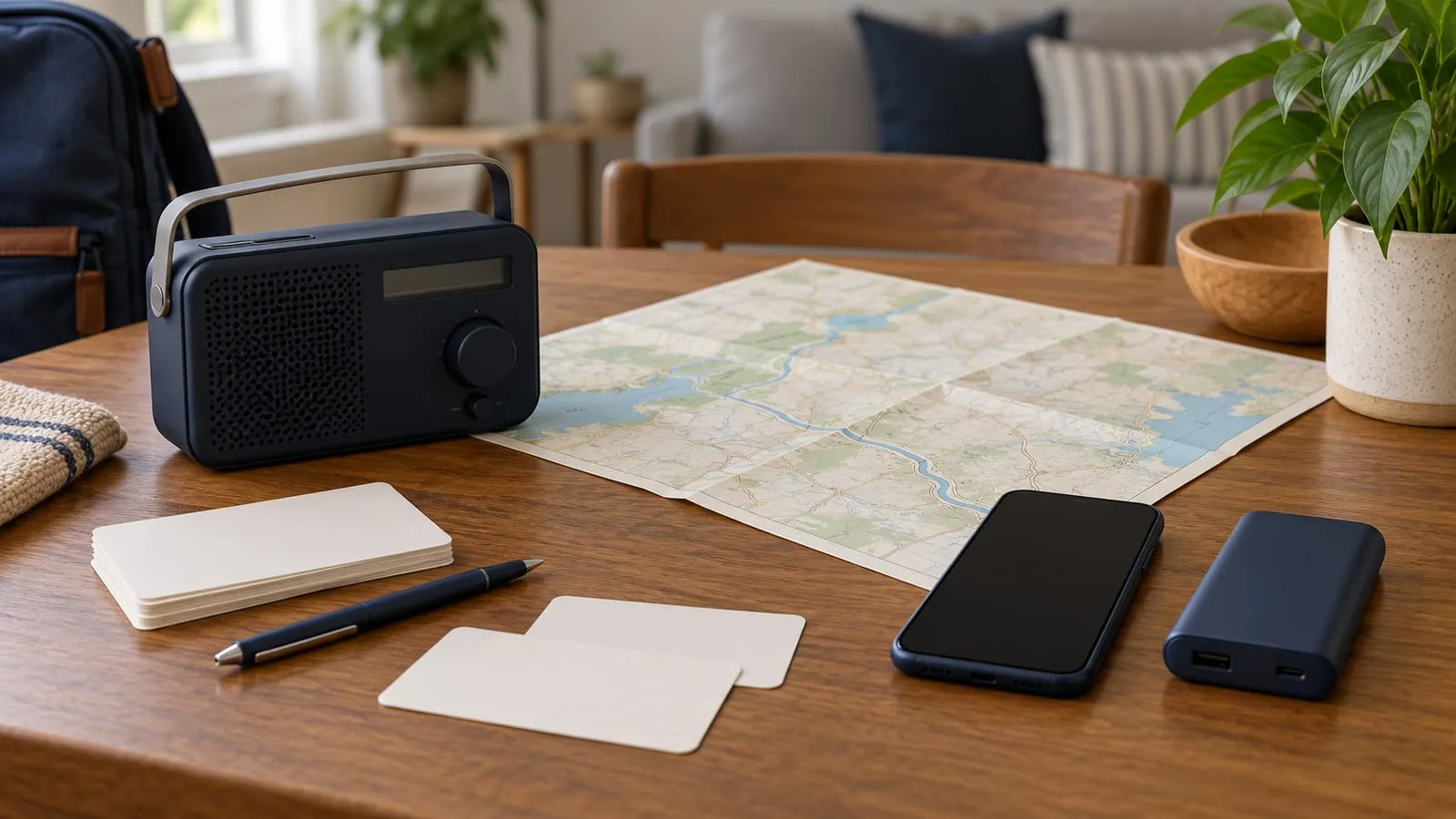
- Official information: Wireless Emergency Alerts, local emergency-management alerts, and a tested radio/weather source appropriate to the location.
- Power + offline fallback: enough charging for the devices that have a defined job, plus a plan that still works when home internet is unavailable.
Satellite, local two-way radio, mesh Wi-Fi, and larger battery systems can be useful additions, but they should close a named failure rather than replace the four basics.
For a household-wide outage, pair this page with the Power Outage Home Resilience Manual. If restoration becomes uncertain, the Long Power Outage Planning guide keeps communication inside the larger water, food, care, temperature, and relocation decision.
1. Map the people, places, and access needs
List everyone who may be at home, work, school, a care setting, or another regular location when an emergency begins. Include caregivers, nearby relatives, neighbors who share a plan, and pets that may affect where the household can meet.
For each person, record:
- Mobile and work numbers
- The address and main number for work, school, or care locations
- The household meeting place near home
- A second meeting place outside the immediate neighborhood
- Transportation and mobility needs
- Communication accommodations, languages, or assistive technology
- Who is authorized to pick up children or dependent adults
Tailor the plan to daily responsibilities and the needs of children, older adults, people with disabilities, pets, and household members who may not be together. School and workplace emergency procedures may determine what is possible, so confirm them rather than inventing a separate pickup plan.
2. Choose one out-of-area contact
Choose a person outside the likely affected area who agrees to relay brief status messages. Every household member should know the same contact. Put the number in phones and on paper.
Give the contact a simple job:
- Record who has checked in and when
- Relay the last known safe location
- Repeat the household’s agreed instructions
- Avoid sharing sensitive details publicly
- Call emergency services only when asked or when there is a clear reason
Do not make this person the only keeper of the plan. They may be asleep, unavailable, or unable to reach the affected area.
3. Use a short check-in format
Long messages create more room for confusion. Agree on a format that works as a text, voicemail, radio message, or note:
Name | safe or needs help | location | next action | next check-in time
Example: Maya | safe | library | staying until 6 p.m. | text again at 5 p.m.
If help is needed, state the need and location plainly. Do not use household codes that emergency responders or a relay contact cannot understand. Avoid posting a vacant-home status, exact supply inventory, or another person’s location on a public channel.
4. Build communication layers by job
Household communication layers
| Layer | Useful job | Limit to plan around |
|---|---|---|
| Paper plan | Contacts, meeting places, account support numbers, and instructions when devices fail. | Copies must be current, readable, and stored where people can reach them. |
| Phone call or SMS | First household check-in while cellular service is available. | Battery, coverage, congestion, damaged towers, and a lost or locked phone. |
| Official alerts and radio | Warnings and instructions from authorized agencies. | Device settings, local coverage, receiver batteries, and station outages. |
| Local two-way radio | Coordination between nearby household or neighborhood members. | Terrain, buildings, range, compatible channels, privacy, and FCC rules. |
| Internet or Wi-Fi | Maps, detailed updates, work access, and messaging when the provider path remains available. | Utility power, provider equipment, local lines, account access, and router coverage. |
| Satellite service | An additional path where the exact equipment has coverage and a safe operating location. | Sky view, subscription, activation, power, current service rules, and setup skill. |
No layer is automatically reliable in every emergency. The practical goal is that failure of one layer does not erase the next action.
Will home internet work during a power outage?
Backing up a router does not prove that the internet will remain available. Trace the whole path:
| Dependency | What must still work |
|---|---|
| Device | Phone, laptop, or other client has power |
| Home network | Router, mesh node, switch, and any required access point have power |
| Provider handoff | Cable modem, fiber ONT, gateway, or other service equipment has power |
| Local provider network | The neighborhood plant, cabinet, node, or other provider infrastructure remains operating |
| Upstream network | The provider still has a working path beyond the local area |
A UPS or battery can keep household networking equipment on while upstream service is healthy; it cannot restore a provider network that has failed. Test the exact modem/router/ONT setup on an ordinary day, and preserve a no-internet path for alerts, contacts, directions, and household decisions.
5. Keep official alerts available
Check whether Wireless Emergency Alerts are enabled on each compatible phone. The National Weather Service WEA guide explains that authorized government agencies send these geographically targeted messages through participating wireless providers. A WEA is an alert source, not a guarantee that a phone will receive every message in every location.
Add local emergency-management alerts if your city, county, Tribal government, or state offers them. Bookmark the correct local authority and the National Weather Service, not an unlabeled social account or a screenshot without a source.
For a separate weather path, consider a battery-capable NOAA Weather Radio receiver suited to your location and access needs. NOAA says its Weather Radio All Hazards network broadcasts official warnings, watches, forecasts, and other hazard information from National Weather Service offices. Check the station list and current outage information for your area, then test reception where the receiver will be used.
For a receiver with SAME location filtering, use the NOAA Weather Radio setup guide to match the serving transmitter and location code, then record the local weekly-test response.
If a portable receiver fills a gap in that plan, the Midland ER310 model guide separates reception checks, spare-power options, and phone-charging limits. Keep a working receiver you already know how to use; a new radio does not remove the need to test the local signal.
6. Decide whether local two-way radios solve a real problem
FRS or GMRS radios can support nearby coordination, but marketing range is not a household coverage promise. Hills, dense construction, antennas, power, and radio position affect whether two people can hear each other. Test the actual route between the locations that matter.
In the United States, radio services have different equipment and licensing rules. Review current 47 CFR Part 95 and the exact radio’s certification and instructions before buying or transmitting. Agree on a primary channel, a fallback channel, plain-language call names, and scheduled listening times. Assume other people may hear an ordinary radio transmission. Record the date the household checked the rules, and check again before changing equipment or the radio plan.
For a complete internet-free arrangement, use the no-internet communication stack to assign a job to paper, SMS, radio, power, and optional satellite equipment.
7. Protect the plan from account and network failures
Print the contact list and meeting places. Download local maps and key documents for offline use where appropriate. Store work or medical information only in a way that follows the relevant privacy, employer, and care-provider rules.
For online accounts that support communication, CISA’s archived Secure Our World guidance recommends strong unique passwords, multifactor authentication, software updates, and recognizing phishing. Keep recovery codes securely available without placing account passwords on the public household contact card.
If a large home has Wi-Fi dead zones, work through placement, wired backhaul, security, and outage dependencies in the mesh Wi-Fi selection guide. Mesh Wi-Fi can improve coverage inside a home, but it cannot restore a failed internet provider.
8. Power only the communication loads you need
Make a device inventory before choosing a battery:
| Device | Input or measured watts | Hours needed | Charging method | Fallback |
|---|---|---|---|---|
| Primary phone | Paper plan and radio | |||
| Second phone or accessible device | Household relay | |||
| Modem and router | Cellular or offline plan | |||
| Weather radio | Spare batteries and local station | |||
| Satellite terminal or messenger | Phone, radio, or paper plan |
Watts describe power at a moment. Watt-hours describe energy over time. A first planning estimate is:
device watts x hours used = watt-hours needed
Then account for the product’s stated usable capacity, conversion losses, temperature limits, and reserve. The Battery Runtime Planning Guide explains how to structure that estimate before using its tool handoff. It does not certify electrical compatibility, battery health, or safe operation.
A useful communication energy budget usually starts smaller than a whole-home backup plan: measure only the phone chargers, radio, modem/ONT, router, required mesh nodes, and any satellite terminal that has a defined emergency job. If the battery result cannot cover the target window, decide which communication load is shed first rather than assuming every network device stays on.
For networking and device priorities, use the electronics backup power guide to preserve phone and alert power before extending home internet or work loads.
Follow the manual for every charger, UPS, power bank, inverter, and battery. Keep damaged, swollen, recalled, wet, or unusually hot equipment out of service and follow manufacturer and local disposal guidance. Do not charge equipment in an exit path or cover it while operating.
9. Add satellite only after the basics work
Satellite broadband or messaging can add an independent path, but the category contains very different devices. Decide whether the job is short status messages, location sharing, voice, or internet data. Then confirm the exact device’s current coverage, service plan, activation steps, sky-view needs, weather limits, power input, operating temperature, and emergency features in the manufacturer’s current documentation.
The satellite internet decision guide provides a vendor-neutral check before a purchase. Test the account, equipment, mounting or placement, and full power chain on an ordinary day. Do not delay evacuation to preserve a connection.
10. Run a 20-minute household practice
Choose a calm day and simulate loss of home power and internet. Do not disable a life-safety system or create a real hazard.
- Send the agreed check-in message.
- Find the out-of-area contact on paper.
- Locate both meeting places on an offline map.
- Confirm WEA settings and local alert enrollment.
- Tune the weather radio and verify local reception.
- Try the local radio route, if radios are part of the plan.
- Start the backup power layer using the manual.
- Find the shutdown procedure and emergency contacts.
Record what failed, who needed help, and which instruction was too long. Repair one weak point, update the paper copies, and repeat the test after equipment, addresses, schools, workplaces, caregivers, or contact numbers change.
A one-page communication checklist
- Household members and regular locations are listed
- Near-home and out-of-neighborhood meeting places are agreed
- One out-of-area relay contact has accepted the role
- The short message format is printed
- School, work, care, and accessibility procedures are confirmed
- WEA settings and local alert enrollment are checked
- An official weather source is available without home internet
- Contact cards and maps are stored offline
- Radio or satellite equipment has a defined job and has been practiced
- Communication-device loads and backup power are documented
- The household knows when to evacuate, shelter, and call for help
Emergency communication planning FAQ
- What is the first step in an emergency communication plan?
- Choose who checks in, one out-of-area relay contact, two meeting places, and a short message format. Put that information on paper before adding equipment.
- Should a household rely on text messages during an emergency?
- Texting can be a useful first path, but cellular service, device power, and network conditions can fail. Pair it with written contacts, official alerts, meeting places, and another suitable local or satellite path.
- Does mesh Wi-Fi keep internet working during a power outage?
- Not by itself. Mesh equipment needs power, and the provider connection must still be available. Back up only the necessary modem, router, and nodes after measuring their load, and keep a no-internet fallback.
- Is a satellite device necessary for every household?
- No. Its value depends on location, communication needs, coverage, sky view, current service terms, power, and the ability to operate the exact device. Strengthen the written plan and ordinary phone and alert layers first.
Primary sources
- National Weather Service: Wireless Emergency Alerts
- NOAA/National Weather Service: NOAA Weather Radio
- eCFR: 47 CFR Part 95, Personal Radio Services
- CISA: Secure Our World — archived campaign
Print and practice the one-page plan
Print the contact list, two meeting places, relay contact, and short message format on one page. Keep a private copy where household members can reach it, then run the 20-minute practice before adding another device. My Household Plan tracks progress through its fixed communication checklist; keep names, numbers, meeting places, and other household details on the private paper copy. Use the Outage Readiness Planner action above to test how the communication layer fits the selected outage horizon and backup type.