This is a planning guide, not an assembly recipe
Battery banks can deliver very high fault current, and home integration adds shock, arc, fire, and backfeed hazards. Do not build or connect a residential energy-storage system from generic terminal, fuse, BMS, cable, or torque advice. Use the exact listed system instructions and qualified professionals required by your local authority.
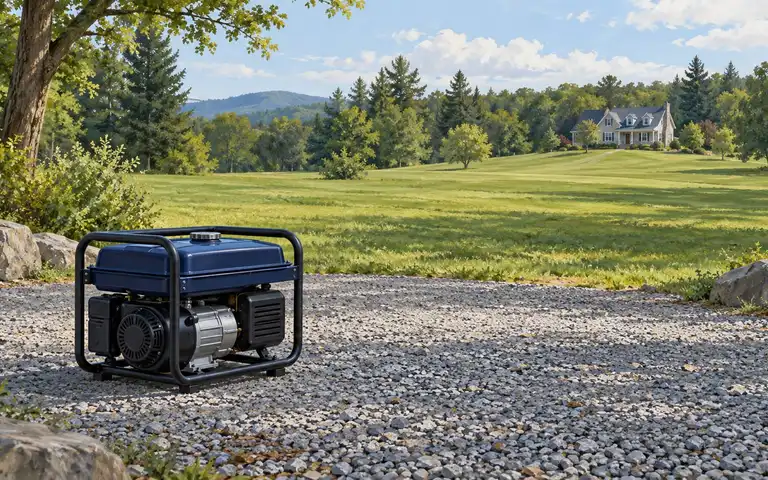
“DIY battery backup” can describe three very different projects. A portable power station that supplies its own outlets is not the same as a listed stationary energy-storage system connected to household circuits. A component-built battery used on a workbench is not automatically suitable for installation in a dwelling.
A homeowner can make meaningful progress through planning: identify critical loads, define runtime, document the site, compare complete listed systems, and prepare questions for the installer and authority having jurisdiction. This guide focuses on that work.
Choose the project category first
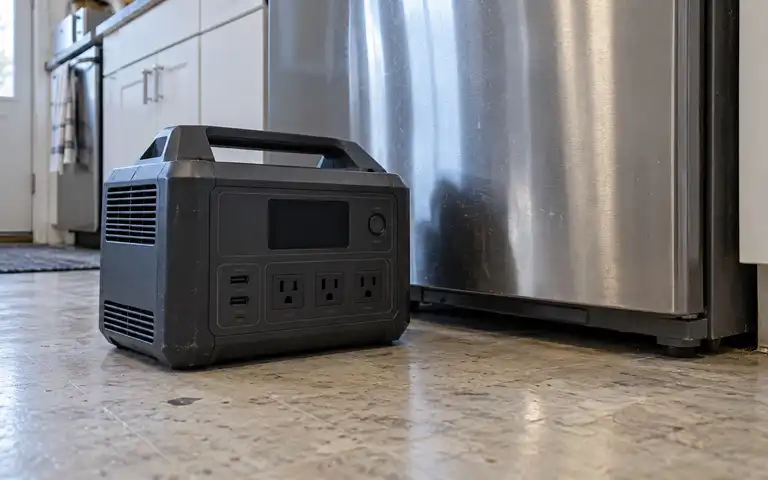
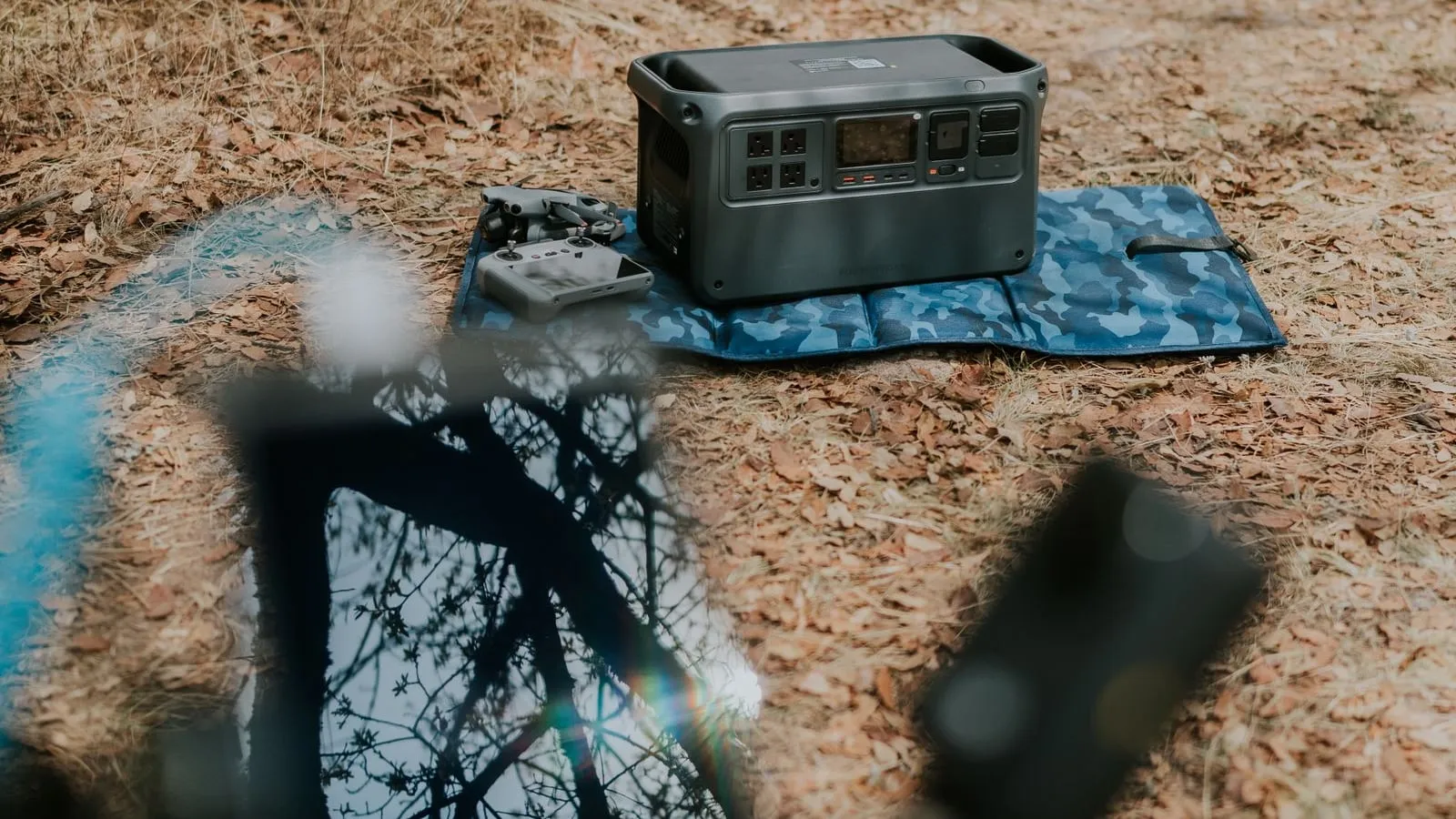
Portable power station
A portable unit can be appropriate for compatible electronics and appliances connected directly to its outlets. Confirm rated output, surge behavior, usable energy, accepted charging input, temperature limits, recall status, and the manual’s indoor-use and storage instructions. Search the exact model in the CPSC recall database before relying on it and again during periodic plan reviews; a recall can add a stop-use or repair instruction even when the unit previously appeared to work normally. Do not connect its output to house wiring unless the manufacturer explicitly provides an approved method and a qualified electrician implements it.
Paid links — we may earn a commission. As an Amazon Associate I earn from qualifying purchases.
 Check price at Amazon
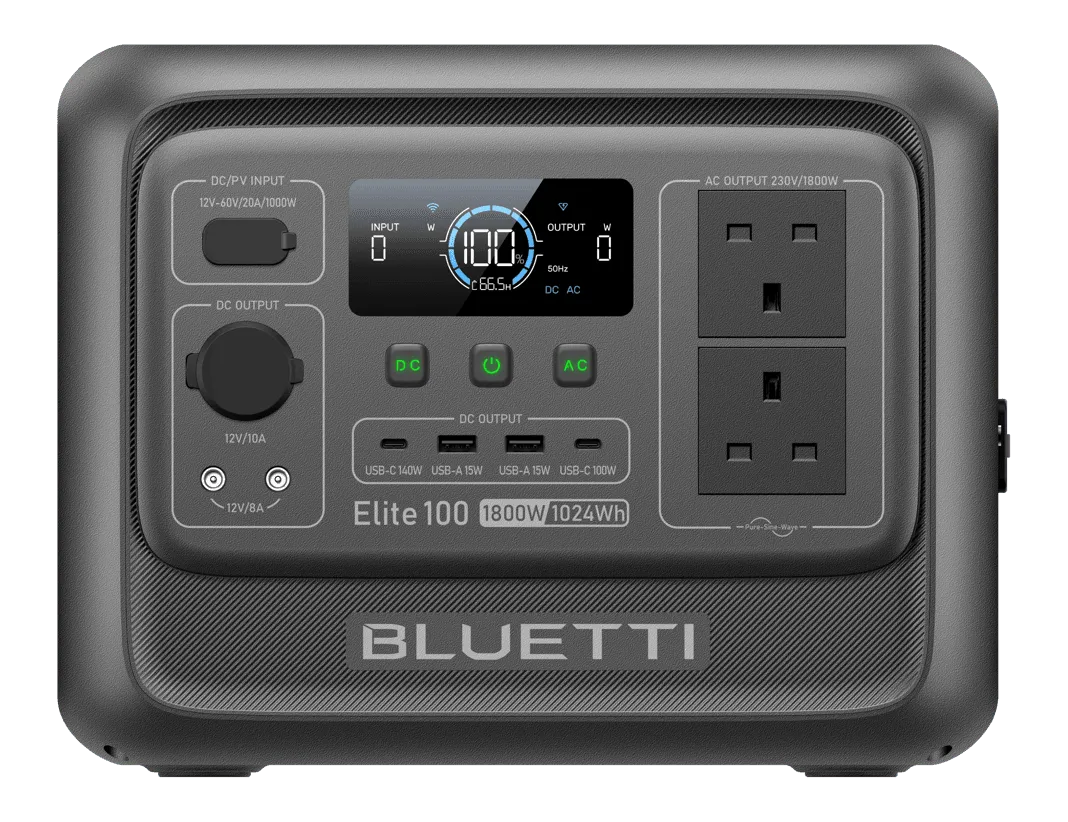
 BLUETTI Elite 100 V2
For essential electronics and small appliance backup, a factory-integrated power station eliminates the arc, short-circuit, and battery management hazards of custom bench-built battery packs while providing 1,800W continuous output and automotive-grade LiFePO4 cells.
- Nominal capacity
- 1,024 Wh
- Continuous AC output
- 1,800 W
- Base-unit weight
- 25.3 lb
Source records checked on 2026-10-22. This is research, not hands-on testing. Read the manufacturer manual.
Listed stationary energy-storage system
A stationary home battery is evaluated as a complete system with power conversion, controls, protective devices, enclosure, and installation instructions. UL explains that UL 9540 addresses energy-storage systems and equipment. Current 2026 UL guidance also reflects the 2026 edition of NFPA 855, the 2024 International Fire Code, current UL 9540A testing, and an additional UL 9540B residential fire-test path that may matter in some jurisdictions. Ask the installer and authority having jurisdiction which adopted code edition, listing, and test evidence apply to the exact project. Do not treat one standard number as universal permission for a location, separation distance, or system size.
Component-built battery
Individual cells, a battery-management system, an inverter, and protective devices may each have specifications, but that collection is not automatically a listed residential energy-storage system. Home connection, placement, fault protection, enclosure, and fire behavior require system-level evaluation. Keep a component-built project out of household wiring unless the authority and a qualified professional approve a documented design.
Build the load brief
List only the loads that need backup, their measured energy use, and their starting demand. Include the expected hours of operation and the longest outage you are planning for.
| Question | Evidence to collect |
|---|---|
| What must stay powered? | Appliance labels, manuals, measured watt-hours, care requirements |
| What starts hardest? | Manufacturer starting data or electrician measurement |
| How long must it run? | Outage history and a written load-shedding plan |
| How will it recharge? | Grid, solar, or generator input allowed by the complete system |
| What happens when it is empty? | Manual fallback, shelter, alternate power, or load shutdown |
Use the selector above for a portable-system requirements brief, and inventory your appliances in the printable Essential-Load Backup Power Worksheet. Compare every result with actual measurements and the exact system documentation. A calculator cannot determine installation approval, medical-device suitability, or compatibility between components.
Write the system boundary
The design brief should state exactly where backup power begins and ends:
- Directly connected appliances only, or selected household circuits
- Manual or automatic transfer
- Maximum simultaneous load and the first loads to shed
- Whether solar can recharge during a grid outage
- Whether a generator input is supported by the manufacturer
- How the system disconnects from the grid and from the building
- How emergency responders can identify and shut it down
The Department of Energy notes that ordinary grid-tied solar generally shuts down during an outage. Solar backup needs an inverter and storage configuration that can safely operate apart from the grid. Ask the designer to show this behavior on the one-line diagram and during commissioning.
Verify the equipment evidence
For every proposed complete system, request:
- Model numbers for the battery, inverter, controls, and required accessories
- The certification or listing applicable to the complete configuration
- Installation and operating manuals for the exact models
- Allowed locations, environmental limits, clearances, and mounting method
- Maximum energy and power for the installed configuration
- Compatible expansion units and charging sources
- Warranty, service path, software support, and recall process
- Required labels, disconnects, alarms, and emergency information
Do not substitute a marketplace seller’s description for the manufacturer’s installation manual or certification record. Do not mix cells, batteries, inverters, chargers, or expansion modules unless the complete system instructions explicitly permit that combination.
Confirm the site and approval path
Before ordering equipment, contact the local building or fire authority and the electric utility when interconnection is involved. Requirements vary by adopted code, building type, system size, and location.
Ask the installer to document:
- Permit and inspection responsibilities
- The selected location and why it complies with current requirements
- Electrical protection, disconnects, grounding, and transfer design
- Fire, spacing, environmental, and access requirements
- Utility interconnection and export settings, if applicable
- Commissioning tests and acceptance criteria
- Emergency shutdown and service procedures
Renters and residents of multifamily buildings also need owner, building, and shared-space approval. A portable battery does not make an unapproved wiring or egress change acceptable.
Commission the system as a household tool
Commissioning should prove the documented behavior, not merely show that the app connects. With the installer:
- Simulate a grid outage and confirm the intended circuits transfer
- Start the largest approved motor load
- Verify load shedding and low-energy shutdown
- Confirm solar or generator charging only in supported configurations
- Test local controls when internet service is unavailable
- Locate labels, disconnects, manuals, and emergency contacts
- Record normal sounds, temperatures, alerts, and status indications
- Train every responsible household member in safe shutdown
Keep the signed permit or inspection record, one-line diagram, model list, manuals, warranty, installer contact, and commissioning results together.
Maintain the approved configuration
Use the manufacturer schedule for state of charge, storage, temperature, firmware, ventilation, inspection, and capacity testing. Do not apply a universal storage percentage or charging voltage to every battery. Review alerts rather than clearing them repeatedly, and stop using equipment that is swollen, damaged, leaking, unusually hot, or producing an abnormal odor or sound.
Any expansion can change current, protection, spacing, software, and permit requirements. Treat expansion as a new design review, not as an extra battery plugged into an existing system.
For portable LiFePO4 ownership, use the LiFePO4 Maintenance Guide. For a high-level chemistry comparison, see Battery Types Explained.
Primary sources
- UL Solutions: Residential Energy Storage System Safety Testing
- UL Solutions: Energy Storage Installation Codes and Requirements
- Department of Energy: Homeowner’s Guide to Solar
- Department of Energy: Solar and Resilience Basics
- CPSC: Recalls and Product Safety Warnings
- NFPA 855: Standard for the Installation of Stationary Energy Storage Systems — 2026