In this guideJump to a section
INFO
Before choosing panels, log one occupied day and every unattended load, model the difficult month in PVWatts, and write down what happens if stored energy runs low.
A cabin can be empty when the weather is worst. Shade, snow, a well pump, and a long drive to the property can matter more than floor area.
Start with the Essential-Load Backup Power Worksheet. Record the occupied season, the loads that remain between visits, their measured energy and verified startup needs, and the fallback if the system runs low.
Define the cabin season
Write down when the cabin is occupied and when the system must operate without people present. A summer-only weekend cabin can be designed around different solar conditions than a winter property that must prevent freeze damage.
Record:
- Occupied months and typical length of stay
- Lowest expected battery and equipment temperature
- Snow, shade, smoke, dust, and storm exposure
- Whether the access road remains open during bad weather
- Whether the system supports unattended loads
- The safe fallback if energy runs low
Use NLR PVWatts as a first-pass estimate of monthly production for the proposed location, orientation, and array size. NLR describes PVWatts as an estimator for grid-connected PV, so its results are context for seasonal sunlight—not an off-grid system design, battery model, or approval. Annual averages hide the month most likely to limit an off-grid system.
Measure cabin loads
Build separate load lists for occupied and unattended periods. Measure plug-in loads where practical and use exact manuals for pumps, refrigerators, and fixed equipment.
Common cabin loads include:
- Lighting and device charging
- Refrigerator or freezer
- Modem, radio, or satellite equipment
- Water pump and pressure system
- Ventilation or control equipment
- Freeze protection or monitoring
- Tools used only while the sun is available
Calculate daily watt-hours for each load. Then identify loads that can be shifted to sunny hours and loads that must operate overnight. Use the Solar and Battery Planning Calculator only after recording those measured loads. It offers an annual-average starting estimate, not a weakest- month cabin design; replace defaults with verified inputs and review its limits.
Treat water as its own design problem
A pump can determine inverter output even when it runs briefly. Obtain the pump’s voltage, running demand, starting requirement, control method, and expected daily runtime. The inverter manufacturer or a qualified designer should confirm that the proposed system can start it.
Water storage can reduce electrical demand by allowing pumping during favorable solar conditions. It also provides a fallback when the pump, pressure switch, well, or power system is unavailable. Do not assume a larger inverter solves an undersized wire, controller, or pump-starting problem.
Model solar production, not just panel watts
Run PVWatts for more than one candidate array and examine the lowest relevant months. Then account for cabin-specific conditions that the model may not fully capture, such as temporary shading, snow left on an unattended array, portable panel placement, and charge-controller input limits.
The general solar-sizing guide explains energy, inverter power, usable battery capacity, and system losses. Use that method rather than applying a universal panel-per-square-foot rule.
Choose autonomy and a fallback together
Battery autonomy is the period the cabin can support selected loads without meaningful solar input. More autonomy requires more battery energy and a longer recovery period. It may also change installation, location, fire-code, and temperature requirements.
Write a staged load plan:
- Normal cabin loads
- Conservation mode
- Property-protection loads only
- Safe shutdown or relocation
For unattended loads, decide how an alert reaches someone and who can respond if roads, communications, or weather delay access. Remote monitoring is useful, but it is not a substitute for local protection and a safe failure mode.
Compare system architectures
Portable station and movable panels
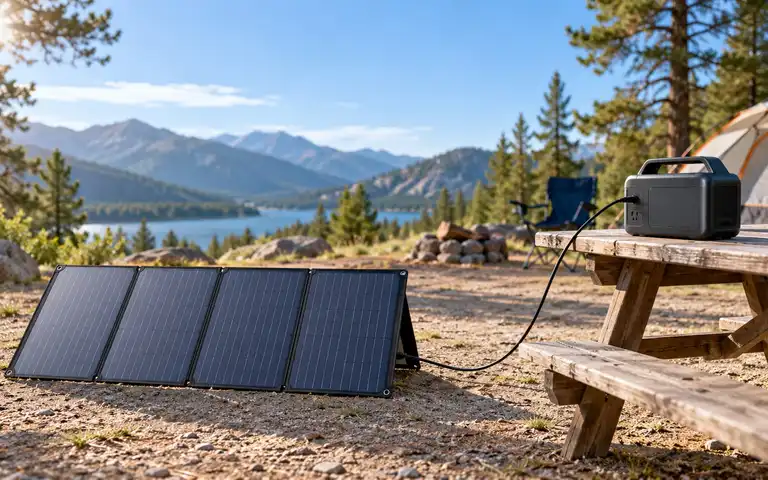
This can fit short stays and modest loads. Confirm the station’s accepted solar voltage, current, power, and connector; portable panels are not universally compatible. Plan secure placement, weather protection, and storage between trips.
Paid links — we may earn a commission. As an Amazon Associate I earn from qualifying purchases.
 Check price at Amazon
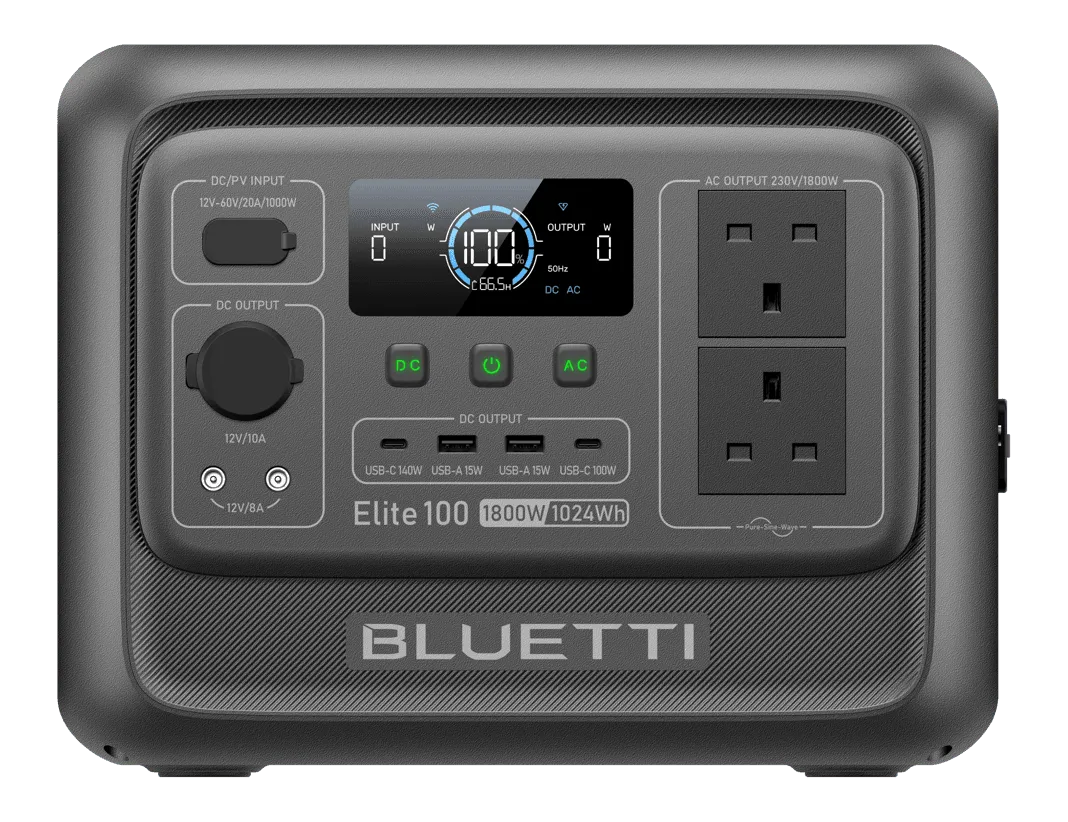
 BLUETTI Elite 100 V2
A 1,024 Wh station with 1,800 W continuous AC output and up to 1,000 W solar input (12–60 V, 20 A maximum). Compare the exact pump's running and starting requirements with the station's manual; these ratings do not establish pump compatibility or cabin runtime.
- Nominal capacity
- 1,024 Wh
- Continuous AC output
- 1,800 W
- Base-unit weight
- 25.3 lb
Source records checked on 2026-10-22. This is research, not hands-on testing. Read the manufacturer manual.
Paid links — we may earn a commission. As an Amazon Associate I earn from qualifying purchases.
 Check price at Amazon
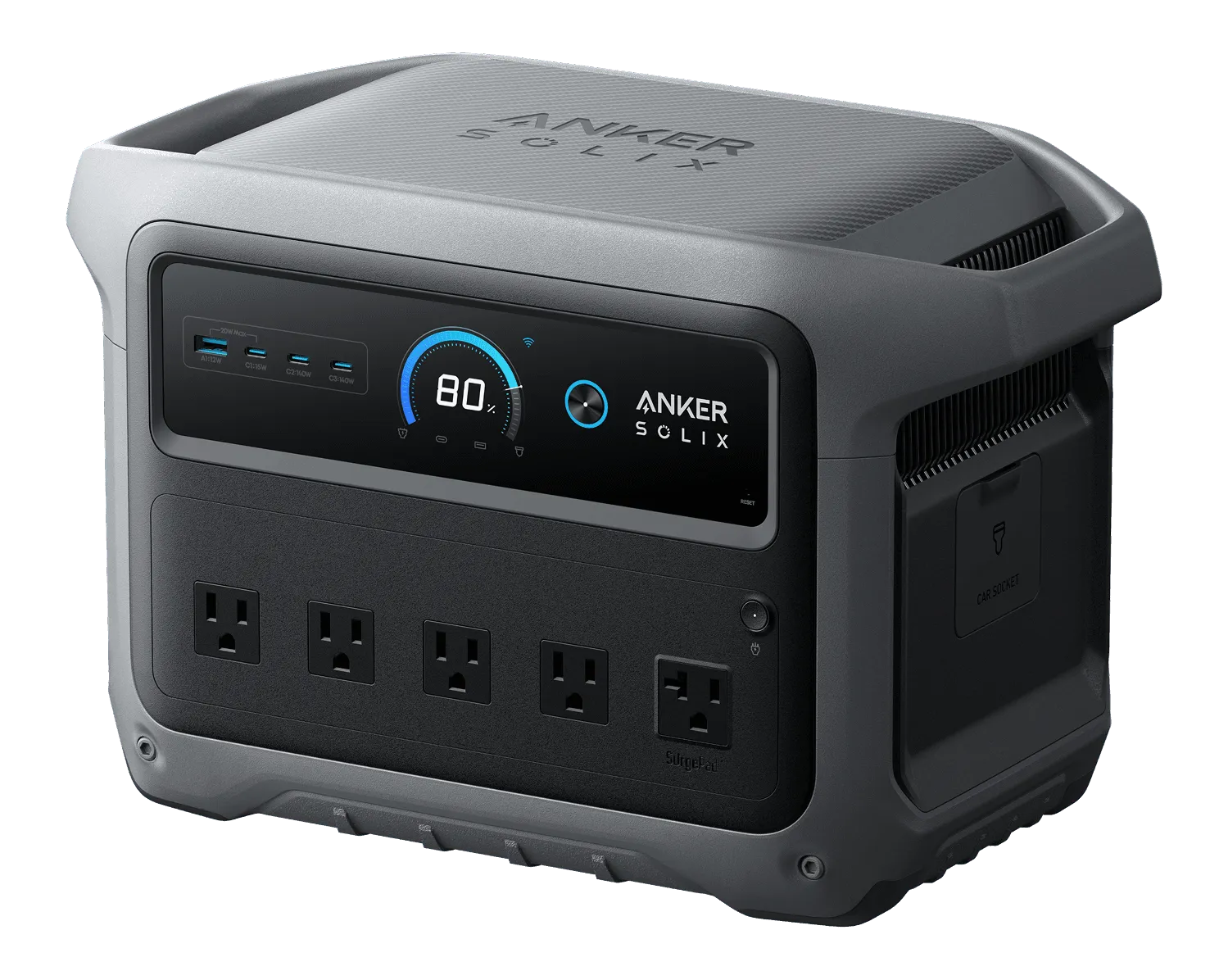
 Anker SOLIX C1000 Gen 2
A 1,024 Wh station with 2,000 W rated 120 V output and up to 600 W solar input. Compare the exact pump's running and starting requirements with Anker's documented operating limits; this product listing does not establish that it will start a pump or provide cabin runtime.
- Nominal capacity
- 1,024 Wh
- Continuous AC output
- 2,000 W
- Base-unit weight
- 24.9 lb
Source records checked between 2026-10-04 and 2026-10-22. This is research, not hands-on testing. Read U.S. B1763 Generator Kit guide (covers the C1000 Gen 2 station).
Fixed array with stationary storage
This can support larger or unattended loads, but it introduces structural, electrical, fire, and local approval requirements. A qualified installer should design protection, disconnects, grounding, battery location, and any building connection.
Hybrid solar and generator
A generator can provide recovery during extended low-sun periods, but it adds fuel, carbon monoxide, weather, and maintenance constraints. Confirm that the battery system explicitly supports generator charging, and review the Generator Safety Guide before including combustion equipment in the cabin plan.
Plan for an unattended property
Before leaving the cabin:
- Follow the battery manufacturer’s storage-state and temperature instructions
- Remove loads that do not need to remain energized
- Confirm snow, vegetation, animals, and water cannot damage equipment
- Store manuals and shutdown instructions where a responder can find them
- Record the expected normal status and alert thresholds
- Test the local manual shutdown
Do not use a universal storage percentage or charging-temperature rule. The complete system manual controls. For LiFePO4-specific ownership questions, see the LiFePO4 Maintenance Guide.
Commission in the difficult season
A sunny-day test is not enough. Operate the planned loads, start the pump, and record overnight battery use. If the property is used in winter, repeat the test under safe winter conditions and compare actual solar input with the estimate.
Update the load plan when a refrigerator, pump, battery, controller, or occupancy pattern changes. Keep the original measurements so a future owner can understand the design basis.
Primary sources
- NLR: PVWatts Calculator
- Department of Energy: Homeowner’s Guide to Solar
- Department of Energy: Solar and Resilience Basics
- UL Solutions: Energy Storage Installation Codes and Requirements
- BLUETTI Elite 100 V2 U.S. product specifications
- Anker SOLIX C1000 Gen 2 U.S. product specifications
Your next step
Measure one occupied day and the unattended loads that must survive between visits. Use the difficult month—not the annual average—to complete the Essential-Load Backup Power Worksheet before choosing an array or battery.